NZ Transport Agency Waka Kotahi
Logging supervised driving hours
Learner drivers, their supervisors and NZTA staff, all in one prototype. A licensing service with billions of possible states, designed so it can be tested end to end.
- Client
- NZ Transport Agency Waka Kotahi
- Year
- 2026
- Role
- Senior UX Designer (contract)
- Discipline
- Service design, Prototyping, Design systems
- Tools
- Figma variables, NZTA Design System, Storybook, Figma Slides, Miro
Overview
One service, three audiences
The Graduated Driver Licensing System asks learner drivers to log supervised hours before they sit their restricted test. I designed the online journeys that link learners with their supervisors: logging a session, approving or rejecting it, tracking progress towards a restricted licence, and the staff tool that sits behind it all.
The difficulty is not any single screen. It is the number of situations a person can be in. Licence type, identity verification, progression status, licence status, six licence classes, nine endorsements and 46 condition codes all change what a person should see.
Walkthrough
Logging a session, start to finish
A recording of the live Figma prototype on a phone. Ella checks her hours, opens a past session, then logs a new drive with her supervisor and reviews it before sending it for approval.
By the numbers
The scale of the problem
Counted in the Figma file after about seven weeks of work. The headline figure is the theoretical ceiling for any one persona, before endorsements are added.
- possible licence-screen combinations per persona
- 2.6bnpossible licence-screen combinations per persona
- frames across web, mobile and the staff tool
- 372frames across web, mobile and the staff tool
- component variants
- 1,676component variants
- prototype interactions wired
- 10,798prototype interactions wired
- test personas, 23 shared with the staff tool
- 37test personas, 23 shared with the staff tool
- sign-in and verify flows (RealMe, Google, Apple)
- 10sign-in and verify flows (RealMe, Google, Apple)
Approach
Designing for complexity without drawing every screen
Drawing 2.6 billion screens is not an option, so the prototype is built on Figma variables and shared components. A small set of page templates redraws itself for whichever persona is signed in.
- A Licence scenarios switch lets a tester set any verified persona to any status, stage, class, endorsement or condition on the live prototype, without a new frame.
- Flow starting points, one per key persona, labelled with their situation, so a tester can open the file and start the right journey.
- A user scenario matrix maps every persona by licence and situation, colour coded, so gaps are visible.
- Each frame carries a developer note linking the live build, the source file, the Storybook component and the screen index.
- Anything not yet in the NZTA Design System is flagged in magenta, so nothing new slips in unnoticed.
- The approved mobile app is the reference for every customer screen. A screen-by-screen check found 16 differences and 13 were fixed straight away.
Customer journeys
Learners and supervisors
Learners see their approved and pending hours, their progress towards a restricted licence and the ways to reduce their learner period. Supervisors see the sessions waiting for their approval and can review, approve or reject them. Both can manage the link between them with a short code or a QR scan.
In Figma
What the file looks like from a distance
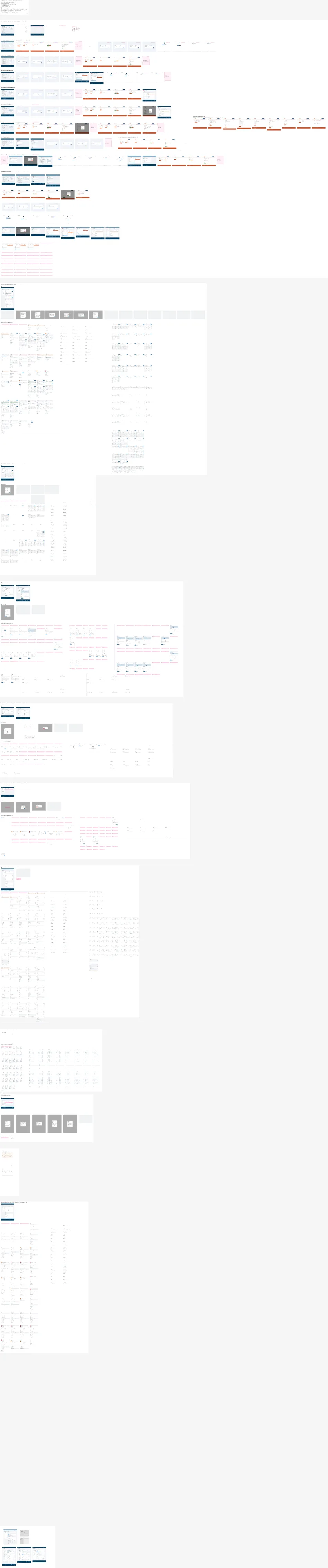
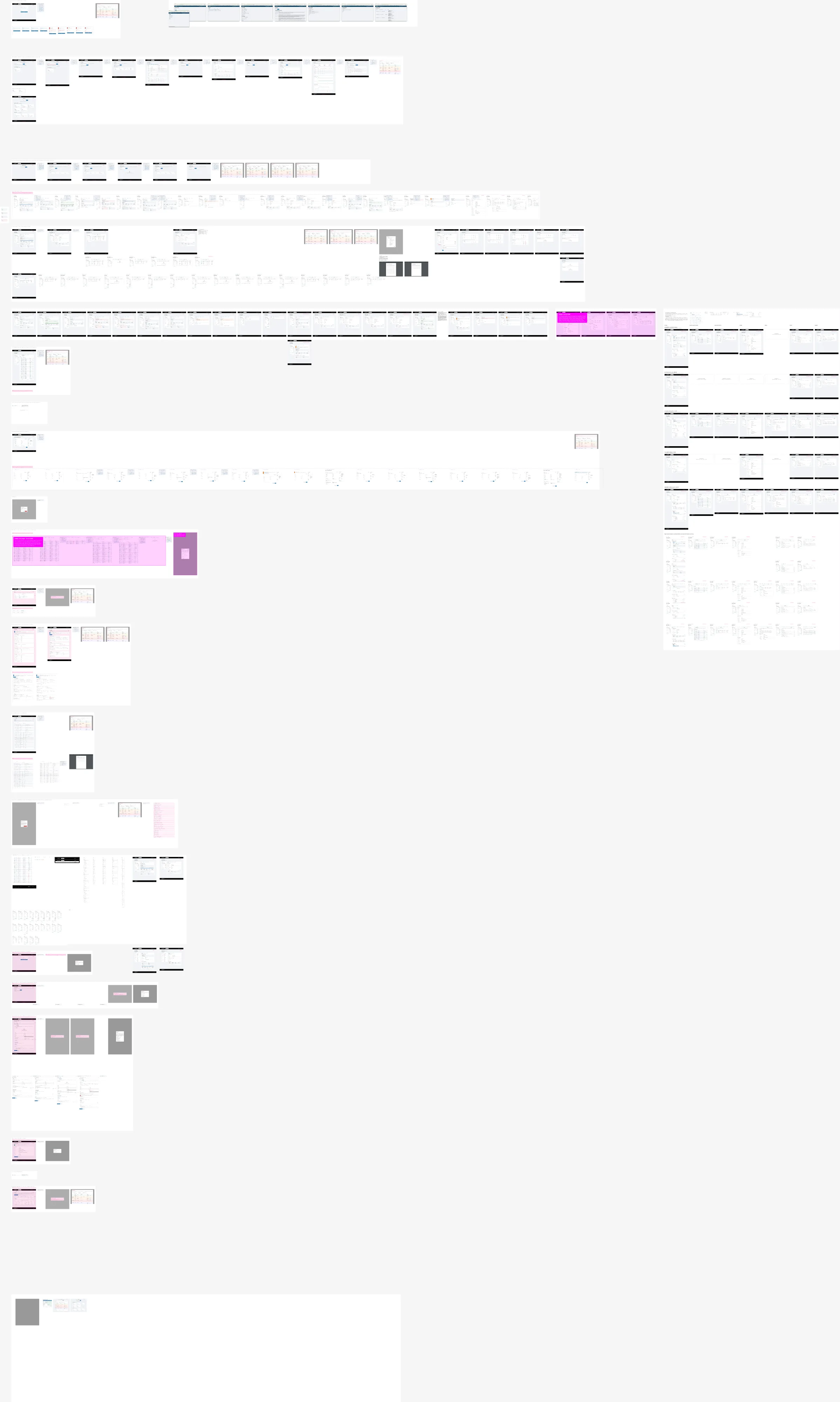
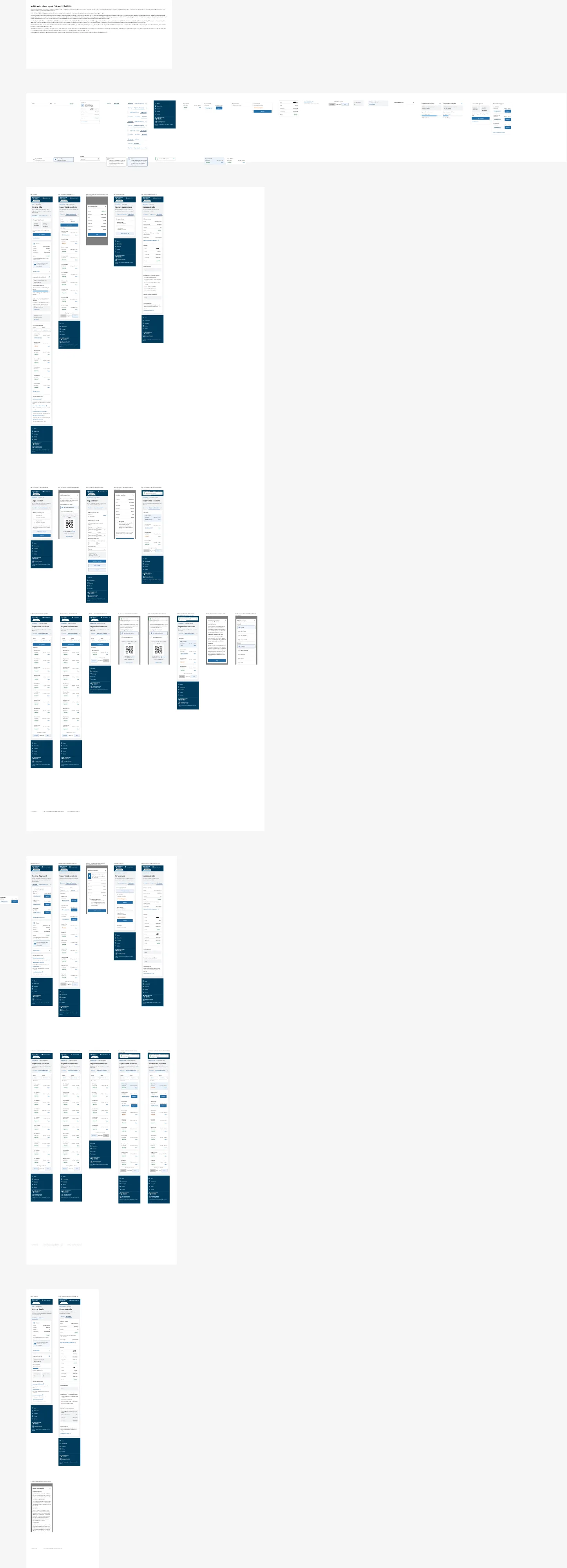
Zoomed out, the pages show the shape of the work: the customer web journeys, the phone layouts and the staff tool, each organised into sections with their own starting points and helpers.
Testing
Tested with the people who use it
Two rounds of testing with customer service staff shaped the staff tool. Findings went into a feedback deck in Figma Slides and Miro, and the first tested version is kept unchanged in the file as the record of round one.